Adding questionnaires to a course on Clinic Academy
To include questionnaires in your Clinic Academy course, a Clinic Academy Pro and a Tier 2 Membership is required. Learn more about Membership Tiers on Embodia.
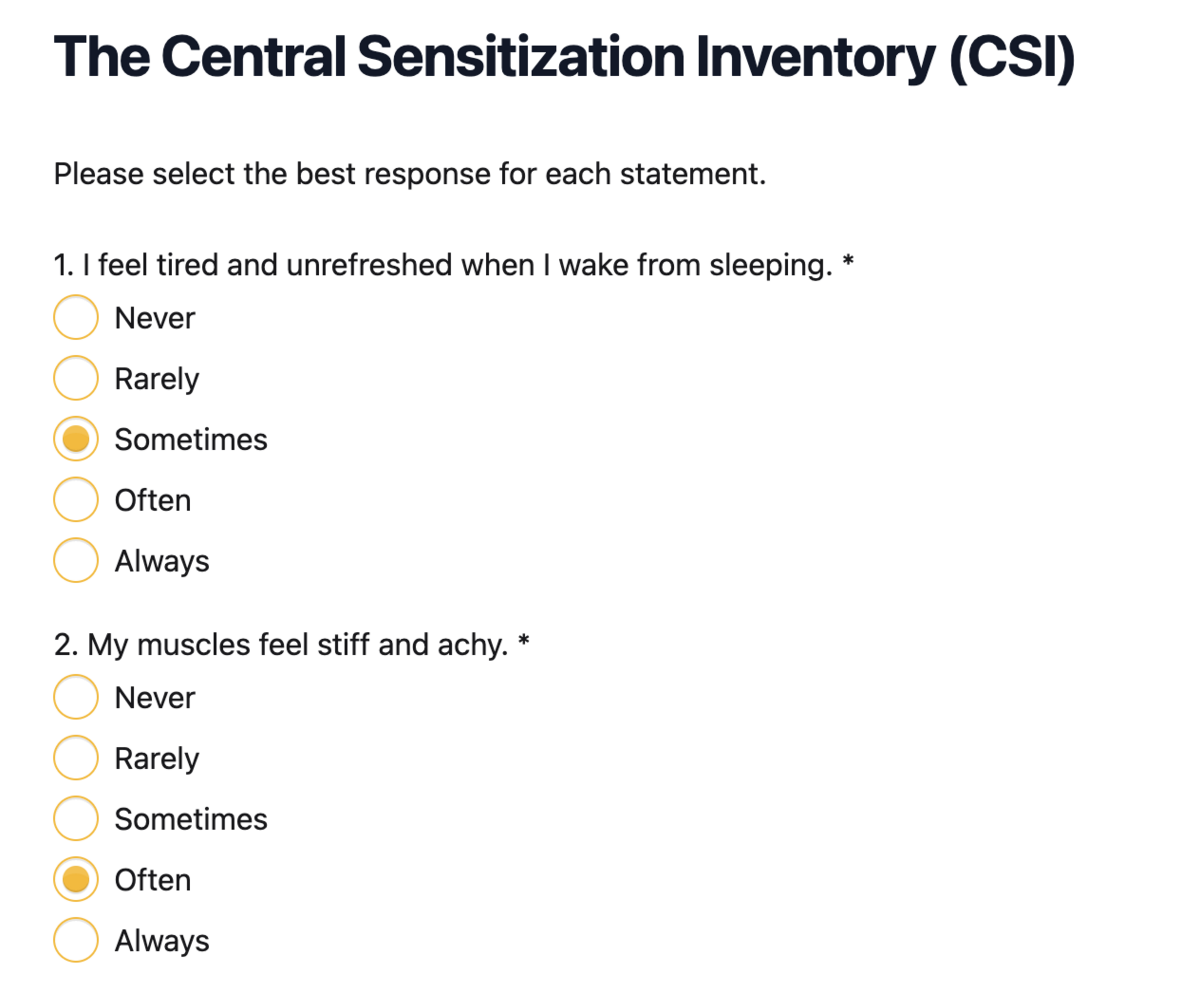
Create Your Questionnaire
First, create your questionnaire(s) by following the steps in these guides:
- Create a questionnaire from scratch
- Build a questionnaire using a template
- Create a custom diary questionnaire
Add the Questionnaire to Your Course
- Navigate to your course page on the Clinic Academy.
- Click on Questionnaires.
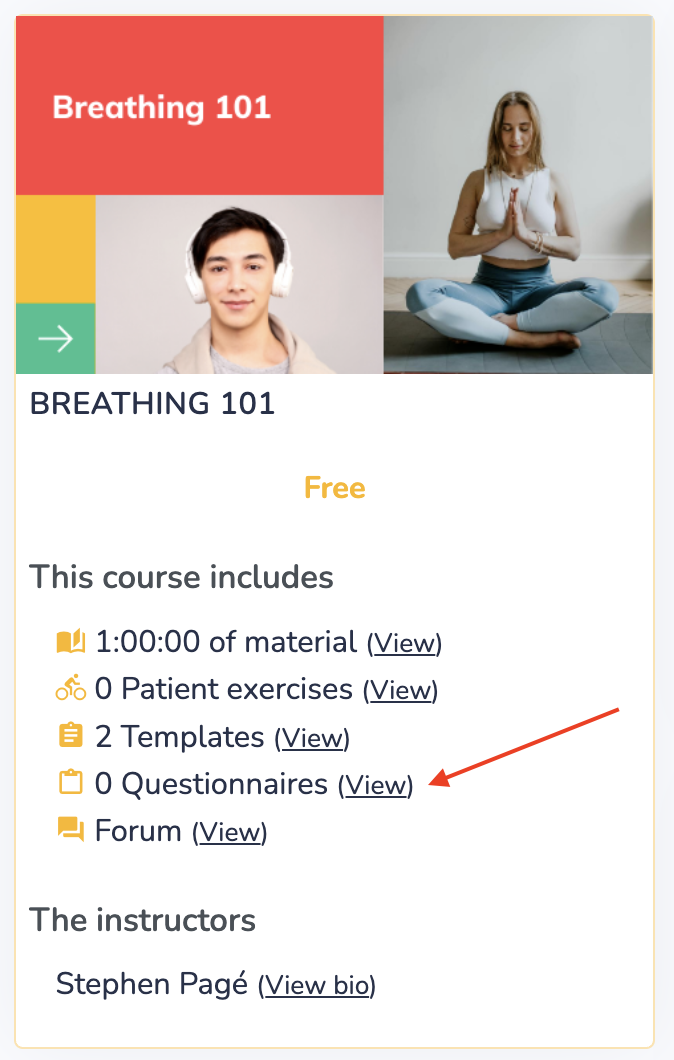
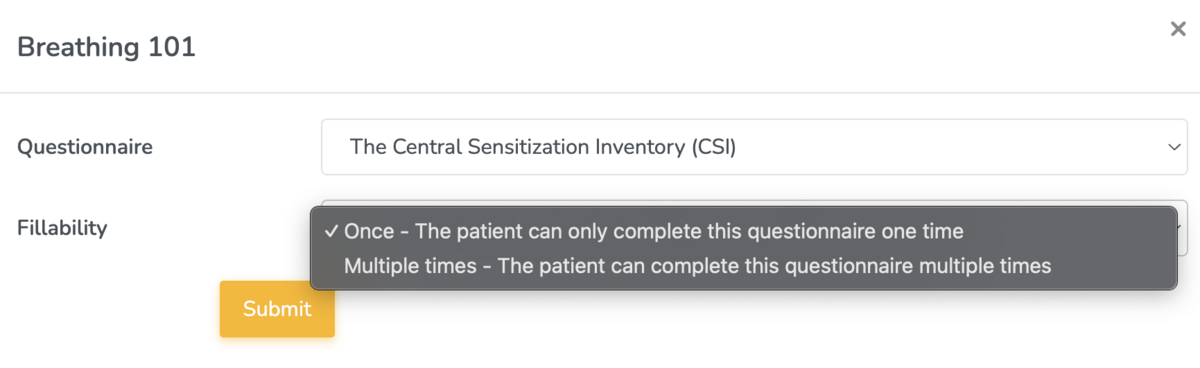
- Click the Add button and select your questionnaire.
- Choose the fill frequency:
- Once – The patient completes the questionnaire only one time.
- Multiple times – The patient can complete the questionnaire multiple times (e.g., for diary-style questionnaires such as a bladder or fiber diary).
The Patient Experience
Patients will be able to see if questionnaires are included in a course directly from the course page:
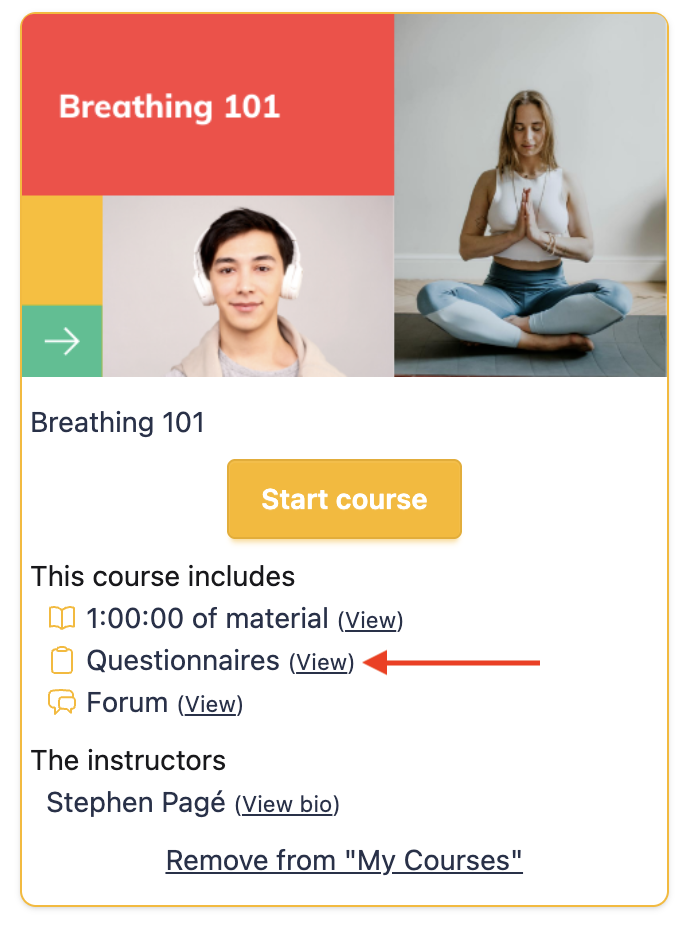
If they are enrolled in the course, they can view and complete the questionnaires according to the fill frequency you’ve set.

The questionnaires are digitally fillable on any device, making it easy and convenient for patients to complete them. The Clinic Academy owner and any course admins will be able to view the submitted questionnaire results.
If the questionnaire includes scoring, Embodia will automatically calculate the results. For questionnaires completed multiple times, Embodia will also display progress over time in a visual graph.